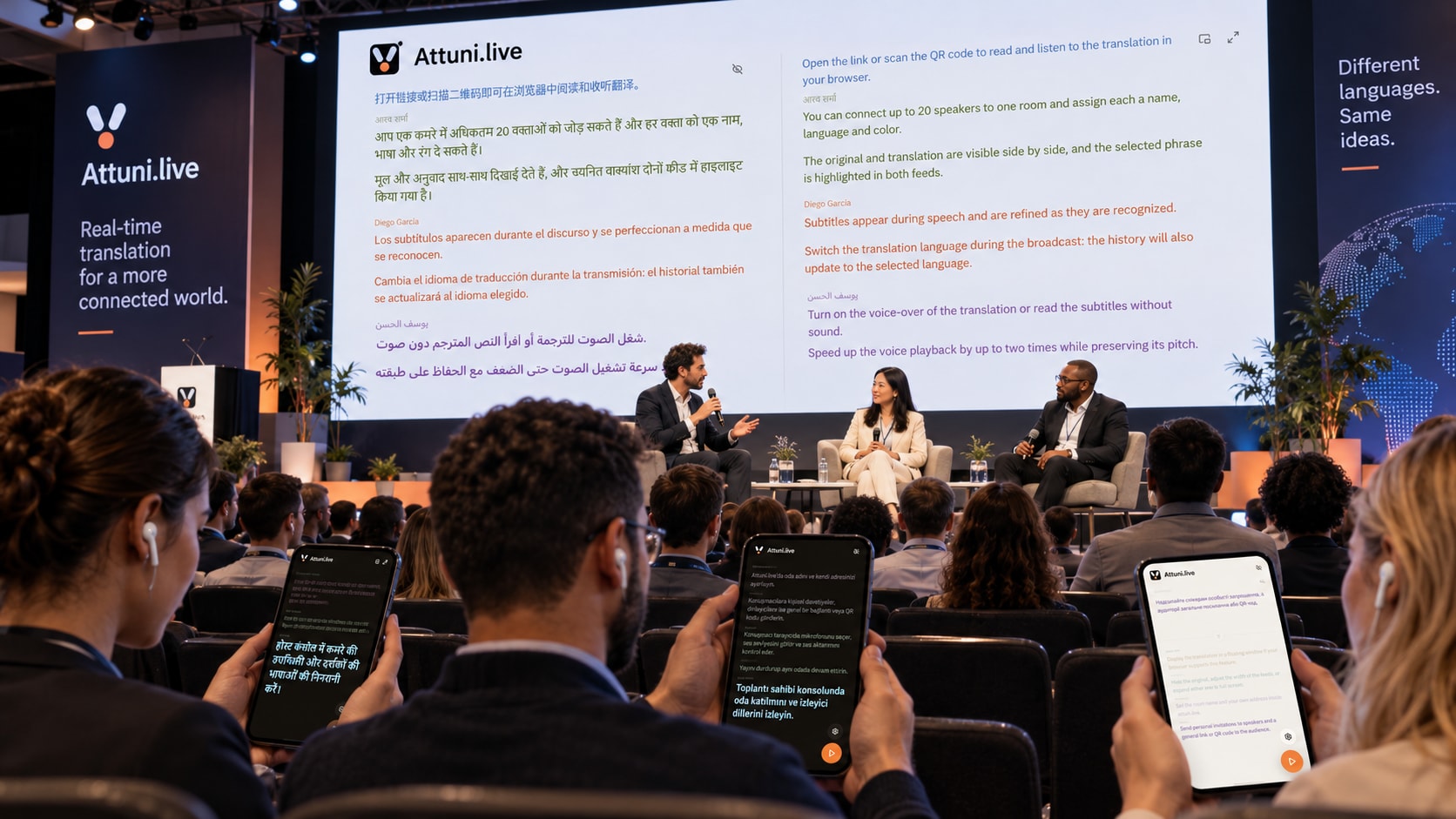
Translation for participants in the room
- Live speech
- Open the translation via QR code or link
- Text + voice
- Everyone chooses their translation language
Speech translation to text and spoken playback in your browser
Speak your own language. Listeners read the translation or turn on spoken playback in their browser. All they need to join is a link or QR code.
Conferences · Webinars · Business meetings · Training · Live streams · Hybrid events
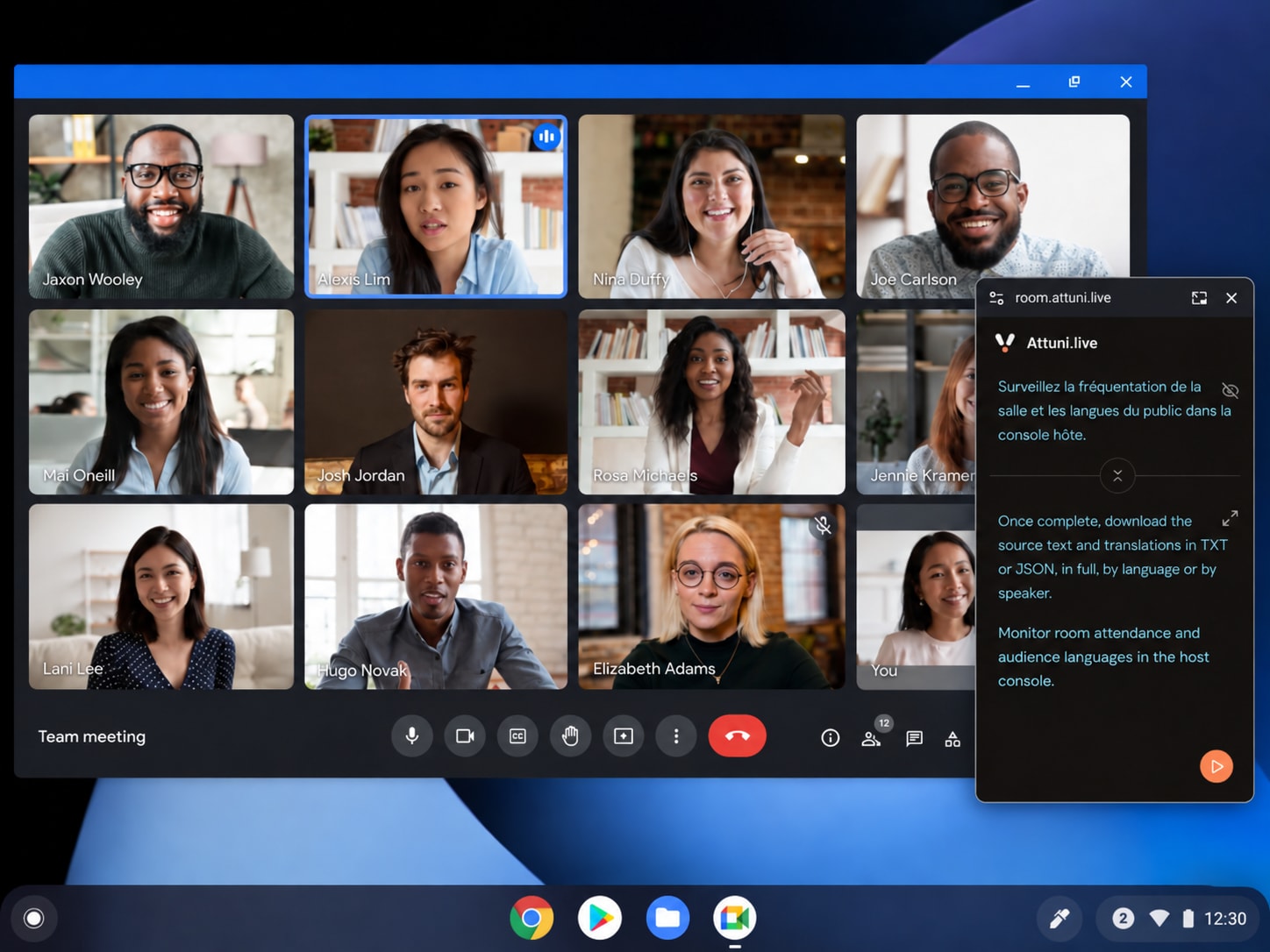
 Teams
 Zoom
 Google Meet
 Slack
 Discord
 Skype
Attuni recognizes the speaker’s speech and displays text as they talk. Speech recognition supports 60 languages. Each speaker’s language is selected in the settings.
«Anna, see you at 15:30.
There will be 120 attendees».
Words appear while the speaker is talking. The text is refined as the sentence continues.
We recognize natural speech with different pronunciations and in everyday recording conditions.
Attuni recognizes names, numbers and professional terms in the speaker’s speech.
Attuni translates the speaker’s completed phrases into the languages chosen by the organizer. Listeners choose their language from this list and can switch during the presentation.
Each completed phrase is translated into the selected languages.
Listeners can read the source text together with the translation.
Glossaries, style rules and reuse of previously translated phrases require separate setup. Contact us to discuss your configuration.
Consistent translations of terms, names and abbreviations.
Formal or informal forms of address.
Rules for tone, spelling and formatting.
Reuse of previously translated phrases.
languages and variants
for text translation
Choose translation languages when creating a room. Listeners will be able to read the translation in their chosen language.
Add speakers, choose translation languages and get a link for listeners.
https://forum.attuni.live/annual-meeting
https://room.attuni.live/This QR code opens the public demo.
Choose a microphone in your browser
Each speaker opens their invitation link, selects a microphone or another audio source and turns on the microphone. The organizer starts, pauses and ends translation.
Create a roomAttuni translates live speech into text and reads the translation in the listener's language.
Translation · ESAttuni traduce el habla en vivo a texto y lee la traducción en el idioma del oyente.
After the meeting ends and the data is saved, download the source text and translations as TXT or JSON. SRT and VTT export is not available yet.
 Attuni.live
International Forum
forum.attuni.live/annual-meeting
Presentation translation for forum participants
Example: translate.company.example
Event name, speaker names and colors; your own subdomain and path within attuni.live.
The illustration shows an example of event styling. Adding your logo and colors needs to be discussed separately. Connecting your own domain requires separate setup.
The organizer, speaker and listener all work in the browser. The microphone requires browser permission. Background operation with a locked mobile screen is not guaranteed.
Open the app, enter a meeting name, add speakers and choose translation languages. Send invitation links to speakers and the shared link or QR code to listeners. Your trial balance and limits are shown in your account.
Text translation supports 126 languages and variants. Speech recognition and spoken playback have different language lists. When setting up a room, select each speaker’s language and the translation languages for listeners.
Yes. On the listener’s screen, you can read the source text and translation and turn on spoken translation. Playback speeds: 1×, 1.25×, 1.5× or 2×. Available voices depend on the room settings. A synthesized voice reads the translation; the speaker’s voice is not copied.
Open Attuni in a separate browser window alongside your video call. The speaker selects a microphone or another audio source. Sending audio from a video call to Attuni may require additional audio routing setup. Built-in Zoom and Meet connections, meeting bots and a virtual microphone are not currently available.
Yes. Each speaker has their own invitation link, name, color and selected speech language. The organizer adds and removes speakers. The available number of speakers is shown in your account.
During a meeting, listeners can return to earlier phrases. After the meeting ends and the data is saved, the room owner can download the source text and translations as TXT or JSON. SRT and VTT export is not available yet.
The demo is available without registration. It uses prepared text and audio. To create your own room, register in the app. Your trial balance and limits are shown in your account. The balance is shared across all rooms in the account.
You can set the room name, subdomain and page path within attuni.live, as well as speaker names and colors. The illustration shows an example with a company logo and colors; setting this up needs to be discussed separately. Your own domain requires separate setup. You cannot connect it yourself in the organizer’s panel yet.
Attuni uses the same speaker’s previous completed phrases when translating. Your own glossary, speech recognition hints, style rules and pronunciation rules require separate setup. These settings are not available in the organizer’s panel yet.
You can open the translation in a floating window above other windows if your browser supports this feature. Check for the floating window button on the listener’s or speaker’s screen. If there is no button, use a regular browser window.
Source text and translations are saved for history and download. Detailed analytics data is kept for 30 days after the meeting ends. Anonymized daily statistics are retained beyond that period. This does not mean that all data is deleted after 30 days. If you have requirements for processing location, certification or data deletion, discuss them with us before sharing confidential information.
Speech recognition supports 60 languages. Each speaker’s language is selected in the settings. One microphone can be used for speech in the selected language.